Compatibility, honestly
Runs on the browsers you already have.
MeowShare is a webpage, so "supported devices" means any modern browser with WebRTC — and that crosses every operating-system boundary. What varies between browsers is the polish, not the possibility.
 MeowSharemeowshare.app
 MacBook
Safari · macOS
MeowSharemeowshare.app
MacBook
Safari · macOS
MeowSharemeowshare.app Android phone
Chrome · Android
Android phone
Chrome · Android
Operating systems & browsers
Any mix of phone, tablet, and computer.
A phone and a laptop. Two laptops. A Chromebook and a Mac. MeowShare doesn't care whether the two devices agree on an ecosystem — it only needs two browsers that can reach each other.
| Operating system | Browsers to use | Notes |
|---|---|---|
| macOS & iOS | Safari | Covers iPhone, iPad, and Mac. Safari is the reliable choice on Apple devices; Chrome and Firefox also work on macOS. On iOS, install from the Share sheet → “Add to Home Screen”. |
| Windows | Chrome, Edge, Firefox | All three support WebRTC and WebSockets. Edge and Chrome both offer PWA installation from the address bar. |
| Android | Chrome | Chrome on Android gives the most complete PWA experience — install it from the browser menu. Firefox and Edge on Android can also connect where their WebRTC builds behave. |
| Linux | Chrome, Firefox | Works the same as on any desktop. Chromium-based browsers behave like Chrome. |
| ChromeOS | Chrome | Installable from the address bar; a Chromebook pairs naturally with an Android phone on the same network. |
| Anything else modern | A browser with WebRTC + WebSockets | MeowShare is standards-based — no native client exists and none is required. |
Open the app on two devices you control, on the same network. If they appear to each other, everything else — files, messages, links, clipboard — runs on the same connection. That two-device test is the whole compatibility checklist.
What to expect
Browser and network policy decide the details.
MeowShare can't override what a browser or network chooses to allow. Here's where behaviour legitimately differs — so nothing surprises you mid-transfer.
Automatic discovery
Works when both devices appear on the same visible network — usually the same Wi-Fi or LAN. Guest networks, hotspots, VPNs, and some office or school networks hide devices from each other even when they're side by side.
Hidden? Use QR or six-character code pairing.
Incoming requests & notifications
While a page is open, incoming transfers always show an in-app prompt on it. System-level notifications are a browser permission and are especially limited on iOS. Don't rely on a banner in a background tab.
Clipboard & pasted images
Sending clipboard text and pasted images depends on the browser's clipboard permissions, which vary by platform — iOS Safari is the strictest. Where the browser allows it, MeowShare can read and send what you've copied; where it doesn't, you'll see that capability is unavailable.
Direct transfer
Payloads use WebRTC, which needs your network to permit direct browser-to-browser traffic. On well-behaved home and office networks this just works. Behind strict NAT or firewall rules, a transfer can fail to start — MeowShare won't silently route it through a server instead.
Running in the background
A browser tab or installed PWA stays visible to neighbours while it's open and awake. Mobile operating systems may suspend background tabs; for a device you share with often, keep MeowShare open or installed and in the foreground when you need it.
Installable as a PWA
On desktop Chrome and Edge, use the install icon in the address bar. On Android, “Install app” in the Chrome menu. On iOS and iPadOS, Share → “Add to Home Screen”. An install adds an app icon and a window of its own — transfers themselves don't change.
The fourteen cats
Every device becomes a cat — pick one, or rename it.
When a device opens MeowShare, it draws a cat identity from these fourteen. The cat is just a friendly face for a device: rename it to “Studio Mac” and the face stays, the name is yours.
Astronaut CatScientist Cat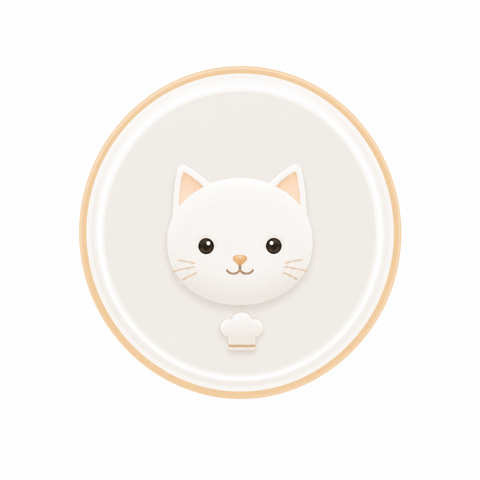 Chef Cat
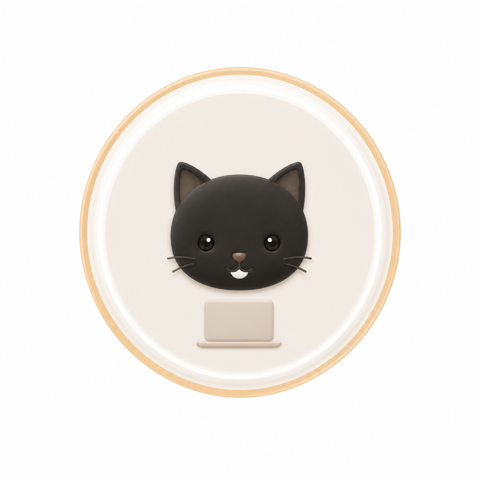 Programmer Cat
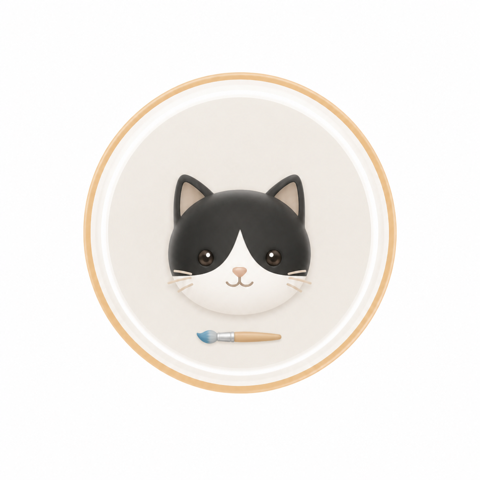 Artist Cat
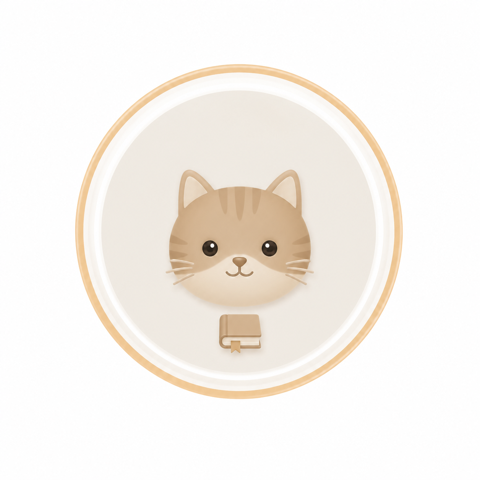 Teacher Cat
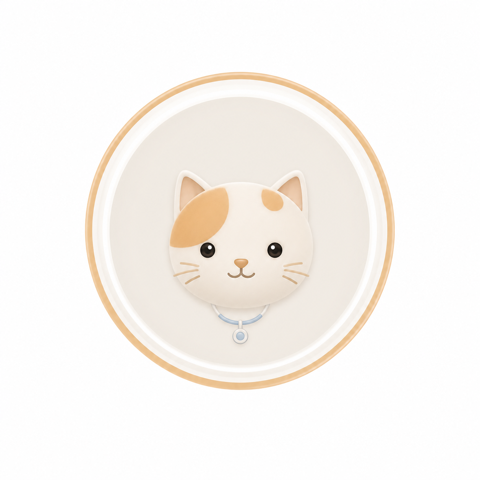 Doctor Cat
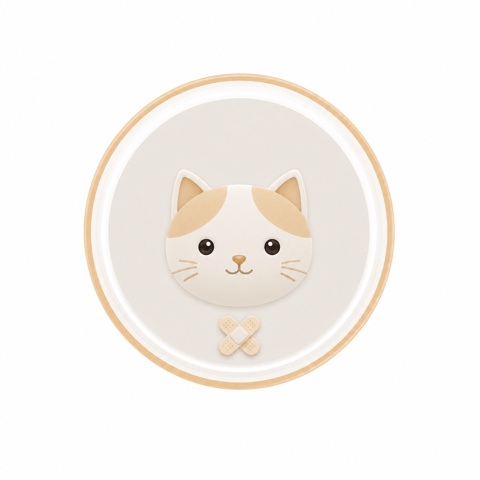 Nurse Cat
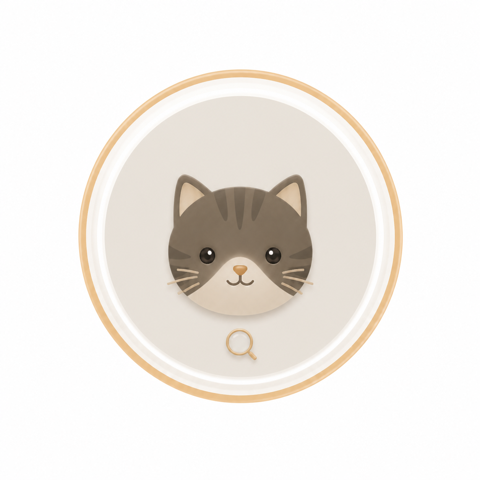 Detective Cat
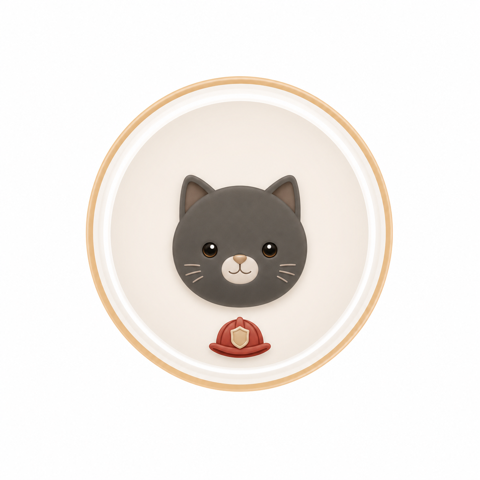 Firefighter Cat
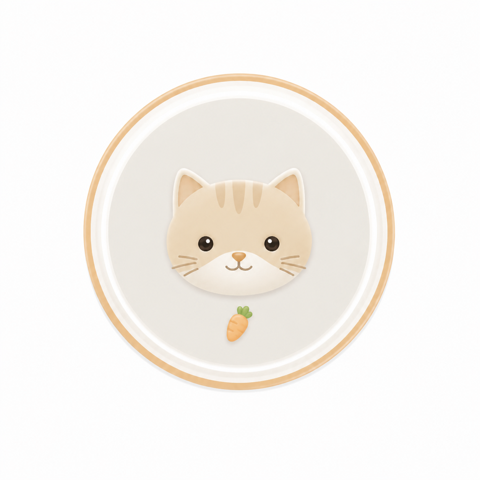 Farmer Cat
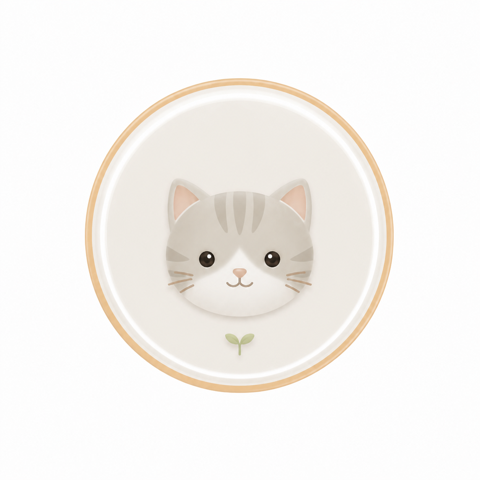 Gardener Cat
 Mechanic Cat
 Pilot Cat
The cats are MeowShare's only decoration — the rest of the app stays deliberately quiet so a room of devices is readable at a glance.
Your devices are ready
Open it on two of them.
Any modern browser on any two devices that share a network — that's the whole requirement list.