
Your devices. One nearby connection.
Nearby file sharing, without the cloud.
Move photos, files, links, and text between the screens around you. Open MeowShare on each device and send directly.
Inside MeowShare
Send files between nearby devices.
No cloud. No account.
MeowShare runs in your browser and links the devices that share your network. Open the same page on two of them, and each one appears as a cat you can send to — files, links, messages, or clipboard text, passed directly instead of uploaded.
No account · nothing to install to start · a modern browser is all you need — meowshare.app
What MeowShare does
A private little network for the devices you already own.
MeowShare treats the devices around you as people you can hand things to. Put two of them on the same network, open the app, and every other open device appears on a quiet radar — each wearing a cat of its own.
Most transfers travel straight from one browser to the other over WebRTC. When your network allows that, a file never touches a cloud server. When it doesn't, MeowShare won't pretend otherwise: the transfer simply won't complete, and you can retry on a network that permits direct peer-to-peer traffic.
 Scientist CatPhone · direct
 Chef CatLaptop · direct
 Astronaut CatYour device
How it works
Open it on two devices. That's the setup.
The whole flow reads in a few seconds — open on both, pick a cat, send.
-
 meowshare.appiPhone · open
meowshare.appMacBook · open
1
meowshare.appiPhone · open
meowshare.appMacBook · open
1Open MeowShare on both devices
Visit meowshare.app — or add it to a home screen — on a phone and a laptop, two laptops, anything with a modern browser.
No accounts to create, no pairing screens to pass.
-
 Nearby · 2pick the cat to send to
2
Nearby · 2pick the cat to send to
2Pick the cat you want to send to
Devices on the same network find each other automatically and appear with a cat of their own. If one stays hidden, pair it with a QR code or a six-character code.
-
IMG_2041.HEIC12 photos · 48 MB
Accept ?
3
Send a file, a message, or a link
Drop a file onto a device, type a note, or paste something you copied. The receiving device chooses whether to accept, and the data moves between the two browsers.
What you can send
Files, text, links — whatever's between your screens.
MeowShare
Activity · Recent
Drag and drop works too — drop a file onto any device on the radar. Clipboard and paste support vary by browser; the Devices page explains what to expect.
Privacy & direct transfer
Your files go to the device you picked — not to the cloud.
MeowShare was built around a simple rule: when two devices can talk directly, nothing else needs to hold the data. The service you connect to is a discreet middleman — it announces who's nearby and relays the connection details, then steps aside.
- No account to create and nothing to sign in to.
- Normal transfers move browser-to-browser over WebRTC — they are not uploaded to cloud storage.
- Discovery and signaling are handled by a small WebSocket service; it stores no payloads.
- Pairing codes and QR rooms expire after a short period of inactivity.
Your phoneAstronaut Cat
Your file — direct, browser to browser
Your laptopScientist Cat
Discovery & signaling only. A small service introduces the two devices and then steps out of the way — it never sits in the path of the file.
Read the honest version
MeowShare is designed for networks you trust. Direct transfer depends on your network allowing browser-to-browser traffic, and the product does not claim end-to-end encryption — read exactly what it does and doesn't do before relying on it.
Device identities
Every device becomes a cat.
Each device gets a cat of its own when it joins — fourteen professions, from scientist to chef. It makes a room full of devices instantly readable, and you can rename any of them so a screen shows “Studio Mac” instead of a stranger's name.
Cat identitypicked automatically when a device joins
Astronautyours
Scientist
Chef
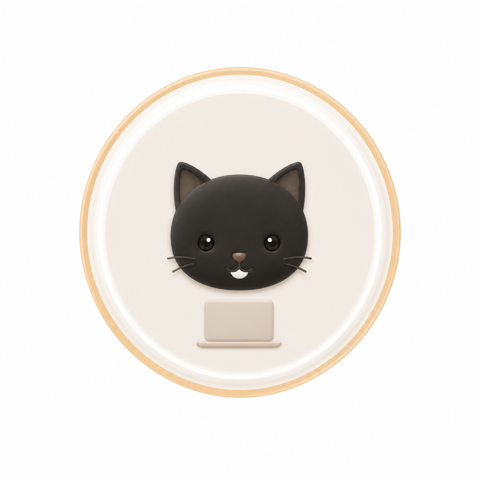 Programmer
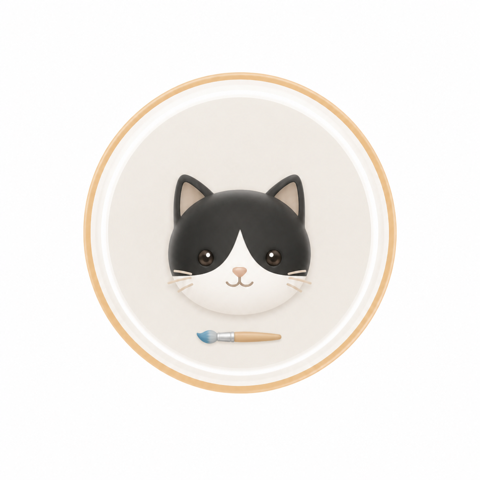 Artist
Teacher
Artist
Teacher
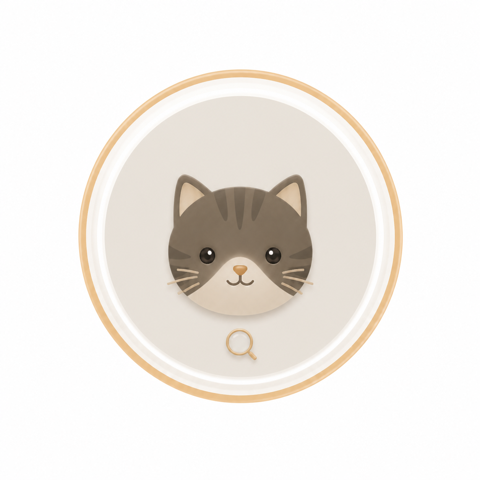 Detective
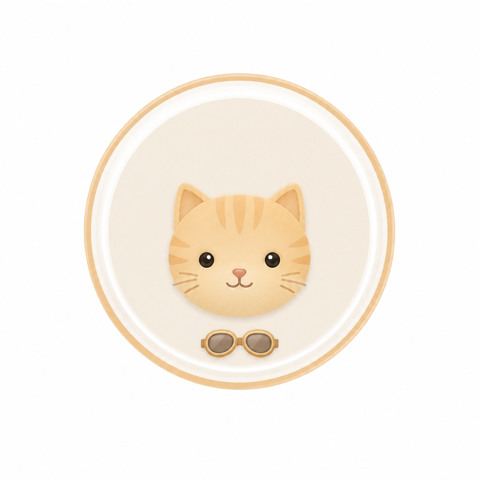 Pilot
Studio Macwhat neighbours see — the cat stays
Pilot
Studio Macwhat neighbours see — the cat stays
Compatibility
Any mix of phone, tablet, and computer.
MeowShare is a webpage, so “supported devices” means whatever runs a modern browser — across operating systems and between them.
MeowShare needs WebRTC and WebSockets, which every current browser family has. What can vary is clipboard access, notifications, background discovery, and whether your network allows direct connections — each depends on browser and network policy.
Who it's for
Made for people moving things between their own screens.
Just you
Phone → laptop, tablet → desktop. Your files, no cable, no upload.
Creative teams
Rushes, exports and references between the studio's screens.
Offices
Meeting files and agendas that leave the laptop, not the building.
Classrooms
Handouts and activities to every seat without a USB stick.
Events
Temporary groups sharing schedules and files that same day.
Read a fuller picture of who uses MeowShare and how, including the honest limits for each group.
QR & share-code pairing
When discovery can't see you, a code can.
Two devices on the same router usually find each other by themselves. But guest networks, strict firewalls, or unusual network setups can hide a device that is technically reachable.
Then one side shows a QR code and a six-character code. The other side scans or types it, and the two connect over that private room — no account involved.
- Rooms are short-lived and expire after inactivity.
- Codes avoid the alphabet's easy-to-confuse characters.
MeowSharemeowshare.appMeowSharemeowshare.app… or scan the QR code on the other device.
Connected · directIllustration only — codes are generated inside the app each time.
FAQ
Questions, answered plainly.
Do I need an account or sign-in?
No. MeowShare has no accounts. Your device appears as a cat with a short-lived identity that exists only while the page is open, so there is nothing to create, remember, or lose.
Does it work between a phone and a computer?
Yes. MeowShare is a webpage, so it works across platforms — an iPhone and a Windows laptop, an Android phone and a Mac, a Chromebook and a Linux desktop. Both devices need to be on the same visible network, and any modern browser with WebRTC works.
Is my file uploaded to the cloud?
No — normal transfers travel from one browser to the other over a direct WebRTC connection and are never uploaded to cloud storage. The MeowShare service only helps the two devices find each other and set up the connection. If your network blocks direct connections, the transfer will not complete rather than being routed through a server.
What if the two devices can't see each other?
Use pairing. One device shows a QR code and a six-character code, and the other joins that private room by scanning or typing it. This helps when guest Wi-Fi, firewalls, or unusual network setups hide a device from automatic discovery.
Ready when you are
Scientist CatThe device next to you
Astronaut CatYour device
Try it with the device next to you.
Open the app on two devices on the same network — you'll watch it click together in a few seconds.